

Keys for Success to Copy Trade Solana Wallets


In Part 1, we explored the foundations to copy trade on Solana wallets, choosing the right traders, understanding market trends, and setting realistic expectations. But knowing who to copy is just the beginning.
In Part 2, we dive deeper into the mechanics of execution, the test phase and putting your wallets to work before scaling up to ensure your copy trading approach is both profitable and sustainable. From inputting your wallets into a copy trading bot setting wallet fees to automating entries and managing bankroll allocations, this article and accompanying videos will help you level up your copy trading game on Solana.
Let’s break it down and optimize your strategy for maximum gains with minimal risk. 🚀
The Testing Phase for Solana Wallets
in the previous video we talked about leveling up your copy trading in the hunt for profitable Solana wallets using the Degen Wallet Checker and some great features the Degen Wallet Checker has to find those profitable wallets. In this follow up video we will go through the process of putting those wallets to work, testing and making sure the wallets are going to be profitable before scalling up.
Now you folk might have some copy trading bots that you like or prefer rather than TradeWiz totally up to you but TradeWiz is my favourite because it has so many features available in order to filter out trades from the wallets that you’re copying so let’s jump in and have a look at how we can put these wallets to work and try and make some profits.
Our strategy to copy trade solana wallets and testing these wallets before we sacle up is based on the alpha strategy created by our premium community members and I discuss in more detail in this video, which is honestly the best strategy to get you started when it comes to copy trading Solana wallets.
Video Chapters
- 00:00 Intro
- 01:00 Open TradeWiz
- 01:48 New Pause Copy Buys
- 02:58 How to Add a New Wallet
- 04:10 Alpha Strategy
- 04:50 Meme Monday Live Streams
- 05:12 Copy Trade Test Settings
- 11:42 Test Results
- 12:48 Refresh the Alpha Strategy
- 14:34 Community Results
- 16:15 Outro
This is part 2 of a 3 part video going through putting the wallets to work we found in part 1. In order to find sustained success copy trading profitable Solana wallets and finding profits when it comes to copy trading on the Solana network.
Important Links
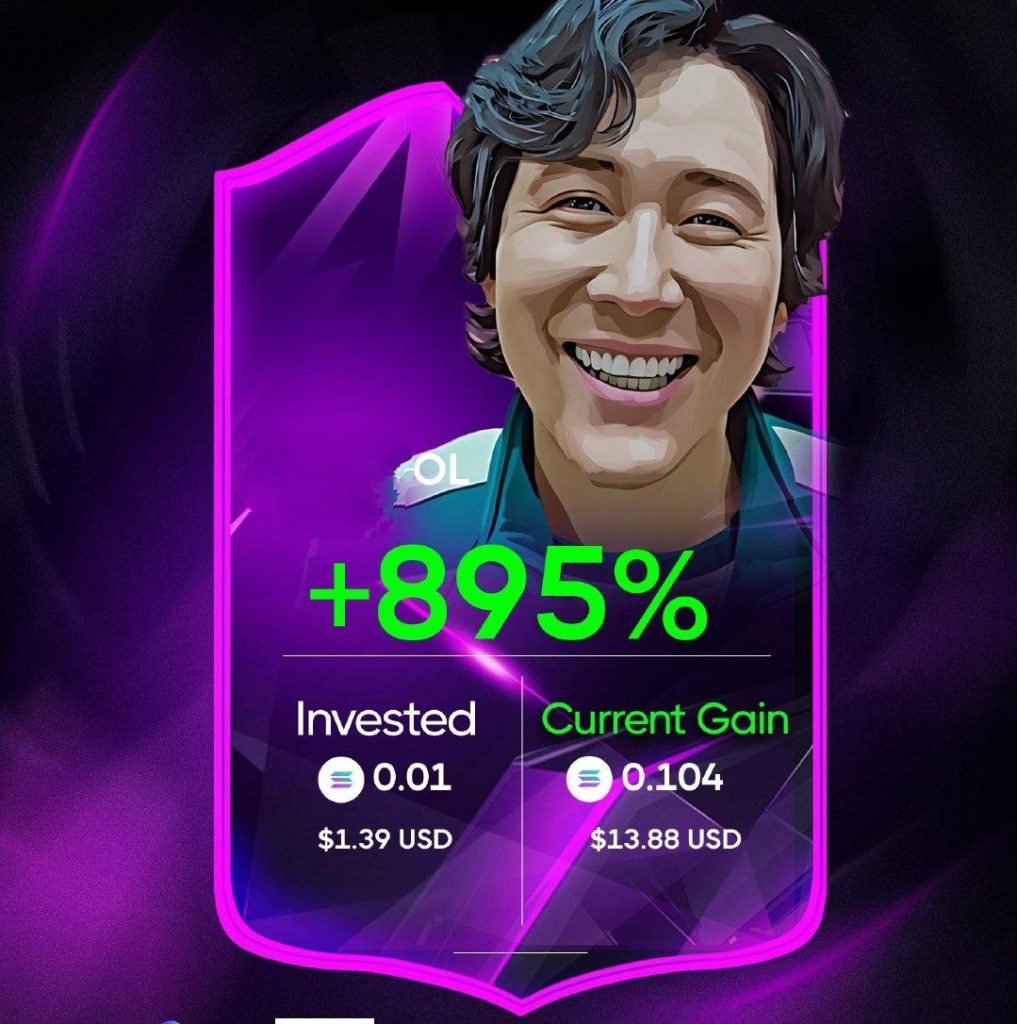
Community Test Results

New TradeWiz Features

There are also some new features that have been added to TradeWiz very recently.
- All Only Copy Sells
- Each Token Only Buy Once
All Only Copy Sells
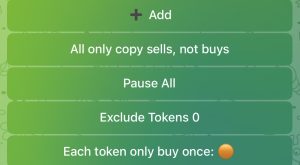
The first one you’ll see on the copy trading menu, “All only copy sells not buys”. Now there used to be just a pause all button here when you can pause all your copy trades. But the issue is you might still have some open positions and you would have to close those manually.
Now if you do want to pause your copy trading you can choose to only pause the buys so when you pause the buys and only copy the sells it means you might have some open positions from wallets set up that are following the actual sells of a wallet that you’re copytrating.
The sells will continue to happen even if you don’t want to initiate any more buys then you can still copy the sells so it’s another way of pausing your copytrating, but making sure that the wallets that you’re copytrating will still be able to sell open positions where previously you would have to get out of your position manually in order to pause all.
Each Token Only Buy Once
This new feature that’s been added by TradeWiz will stop you from copying other wallets buying the same token so if you have quite a few wallets that you’re copy trading and they all buy the same token then the first wallet will buy that token and then if other wallets do try to buy that token then this will actually stop that buy if you set that new feature to true.